Finding a free online survey creator that actually delivers on its promise is harder than it looks. Most free plans cap responses at 25 or 100, lock anything useful behind a paywall, or push upgrade prompts into every interaction.
This list cuts through that. We evaluated seven tools based on what actually matters when you’re just starting out: how generous the free plan really is, how easy it is to build and launch a survey, and whether you’ll hit a wall before you’ve collected anything useful.
We’ve included purpose-built survey tools, form builders with survey capabilities, and the one option that’s completely unlimited and free. There’s something here for every budget and type of site.
Table of Contents
Why Use a Free Online Survey Creator?
Most site owners assume they know why visitors leave, abandon a cart, or don’t convert. In our experience, they’re usually wrong — or at least partially wrong. Surveys close the gap between what you think is happening and what’s actually happening from your visitors’ perspective.
A well-placed survey can tell you why a checkout step is losing people, whether a new feature is landing the way you intended, or what’s stopping first-time visitors from coming back. That kind of direct input is hard to get any other way — analytics can show you what happened, but only your visitors can tell you why.
For a deeper look at how to put that feedback to work, see practical ways to use customer feedback on your site.
The good news is that you don’t need a budget to start. Several genuinely capable survey tools have free plans that are useful for real feedback programs — not just trials. The key is knowing which free plans actually deliver and which ones exist mainly to push you toward a paid upgrade.
What to Look for in a Free Online Survey Creator
Not all free survey tools are created equal — and the differences matter more than you’d expect once you’re in the middle of a real feedback campaign. Before committing to any platform, here are the criteria we use when evaluating free survey creators.
- Response limits. The single most important number to check. Some tools cap you at 10 responses per month — barely enough to test a survey, let alone run one. Others are genuinely unlimited on the free plan. Know the ceiling before you build anything around it.
- Question limits. A 10-question cap per survey sounds workable until you’re designing a proper NPS or exit-intent survey that needs more room. Confirm whether the limit applies per survey or across your entire account.
- Conditional logic. The ability to branch follow-up questions based on a respondent’s previous answer. It’s a basic feature that many platforms lock behind paid plans — worth verifying before you design a survey that depends on it.
- Behavioral triggers. Can the survey fire based on exit intent, scroll depth, or time on page? Most standalone tools don’t offer this at all. For on-site surveys, these triggers are the difference between interrupting visitors randomly and catching them at the right moment.
- Native vs. external. Does the survey display directly on your site, or does it redirect visitors to a separate hosted page? External surveys create friction and reduce completion rates — especially on mobile.
These criteria separate tools that are genuinely free from those that are free only until you try to use them. For a deeper look at how to structure questions once you’ve chosen a tool, see our complete guide to types of survey questions.
84%
of customers
Say the experience a company provides matters as much as its products
Surveys are how you find out what that experience actually looks like from your visitors’ perspective. Source: Salesforce State of the Connected Customer. See our complete guide to customer feedback →
Best Free Online Survey Creator Tools
Here’s our breakdown of the seven best free options, including who each tool is best suited for and where the free plan’s limits actually kick in.
| PRODUCT NAME | BEST FOR | STARTING PRICE |
|---|---|---|
| UserFeedback | On-site WordPress surveys with no coding required | Free (paid from $49.50/yr) |
| Google Forms | Completely free surveys with no response or question limits | Free |
| SurveyMonkey | Quick surveys with AI-powered question suggestions | Free (paid from ~$30/user/mo) |
| Typeform | Conversational, visually engaging surveys that boost completion rates | Free (paid from $28/mo) |
| JotForm | Drag-and-drop forms with conditional logic and 100+ integrations | Free (paid from $39/mo) |
| SurveySparrow | Chatbot-style surveys with a mobile-first conversational experience | Free (paid from $19/mo) |
| HubSpot | Survey and form creation tied directly to a built-in CRM | Free |
1. UserFeedback
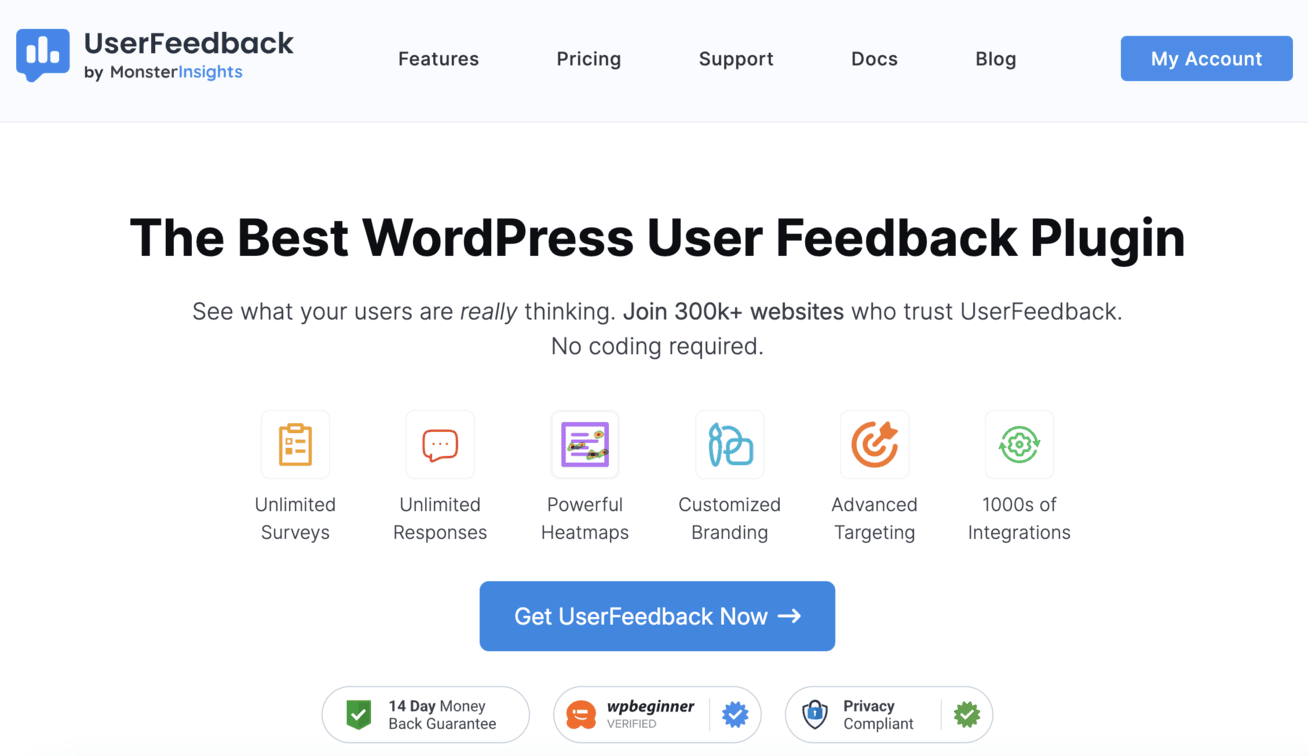
UserFeedback is a WordPress plugin for collecting on-site feedback through surveys, polls, and feedback forms. It lives inside your WordPress dashboard — no third-party account needed, no data leaving your site to an external platform.
The free Lite plan gives you unlimited surveys and unlimited responses right out of the box. You can trigger surveys based on exit intent, scroll depth, or time on page, and display them as a floating widget or embed them inline with a shortcode.
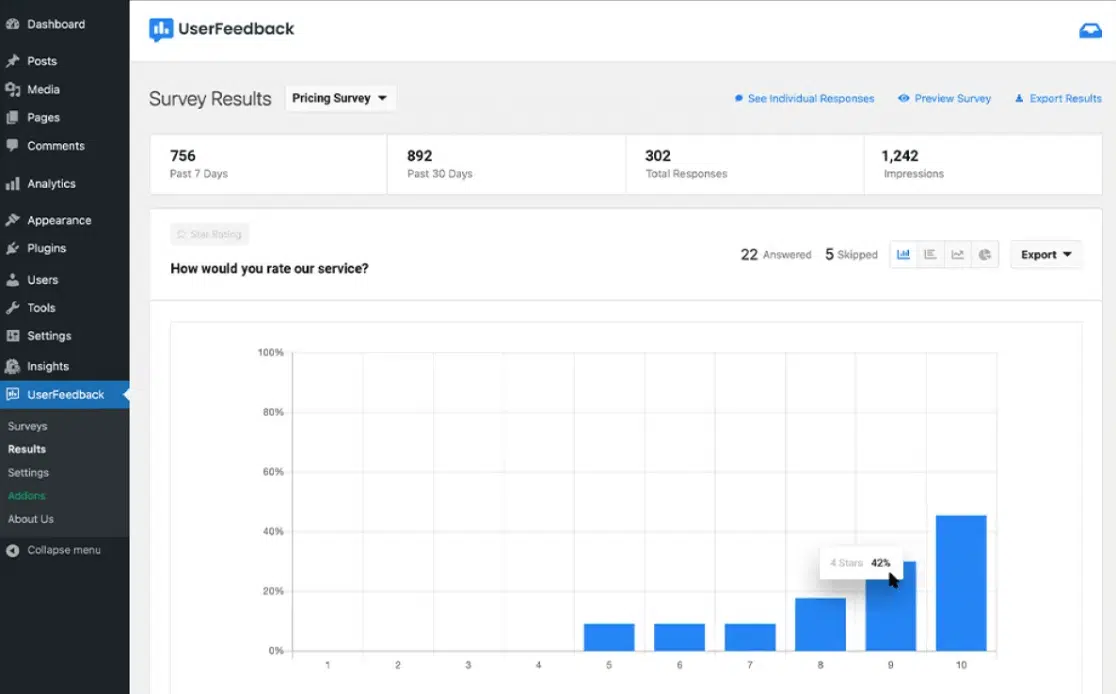
Results appear directly in your WordPress dashboard, and the plugin integrates automatically with Google Analytics so you can see feedback alongside your site data.
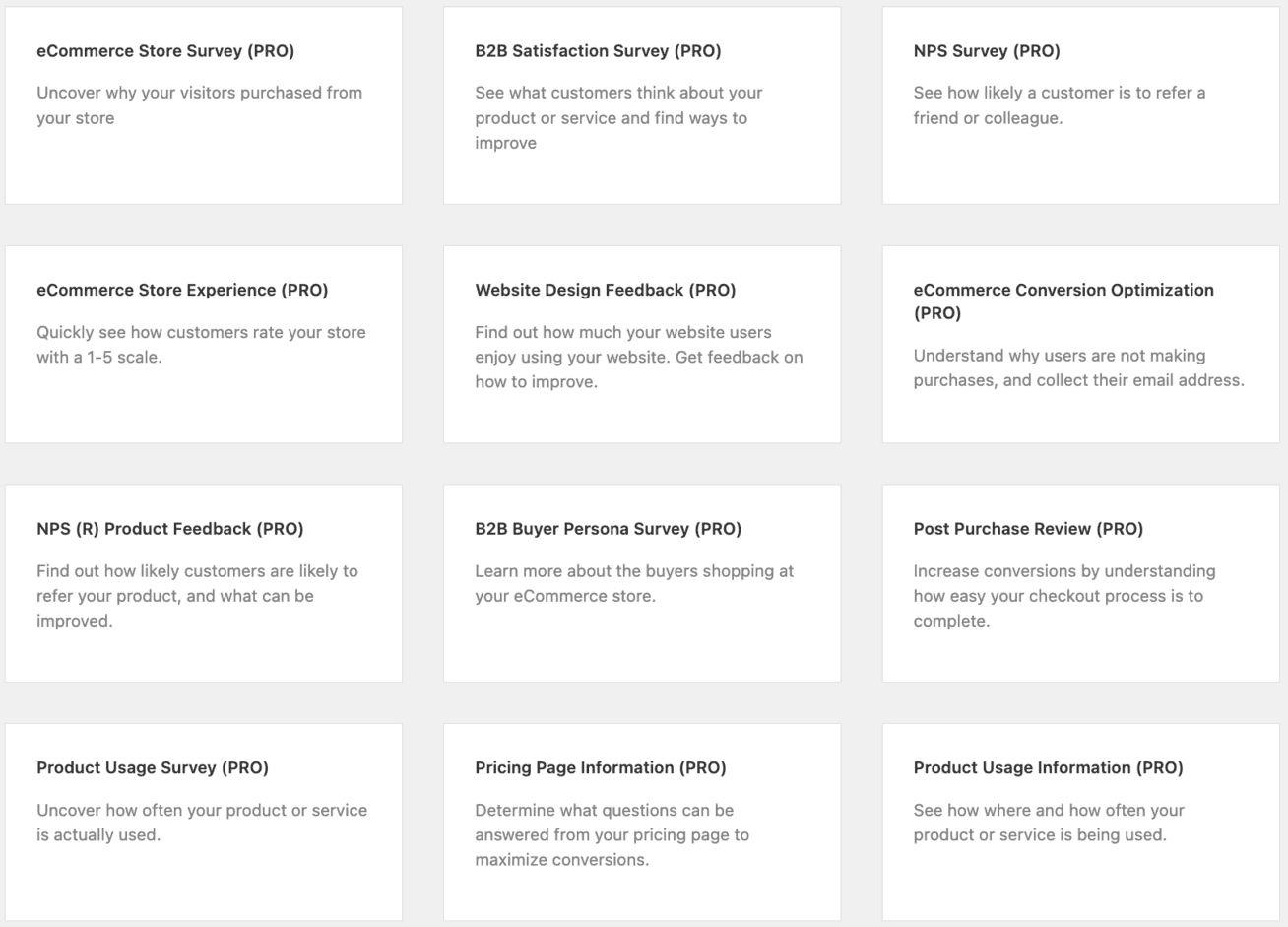
Paid plans unlock advanced targeting (page-level, device, geographic), conditional logic, 20+ survey templates, Net Promoter Score (NPS) reports, AI Summaries, and integrations with Google Sheets and webhooks. For a WordPress site that wants to turn visitor feedback into actionable data, there’s no lighter-weight path to get started.
Here’s what the template library looks like inside WordPress — and what your results dashboard looks like once responses come in:
Survey responses appear directly in your WordPress admin — no third-party login, no separate analytics platform to manage:
2. Google Forms
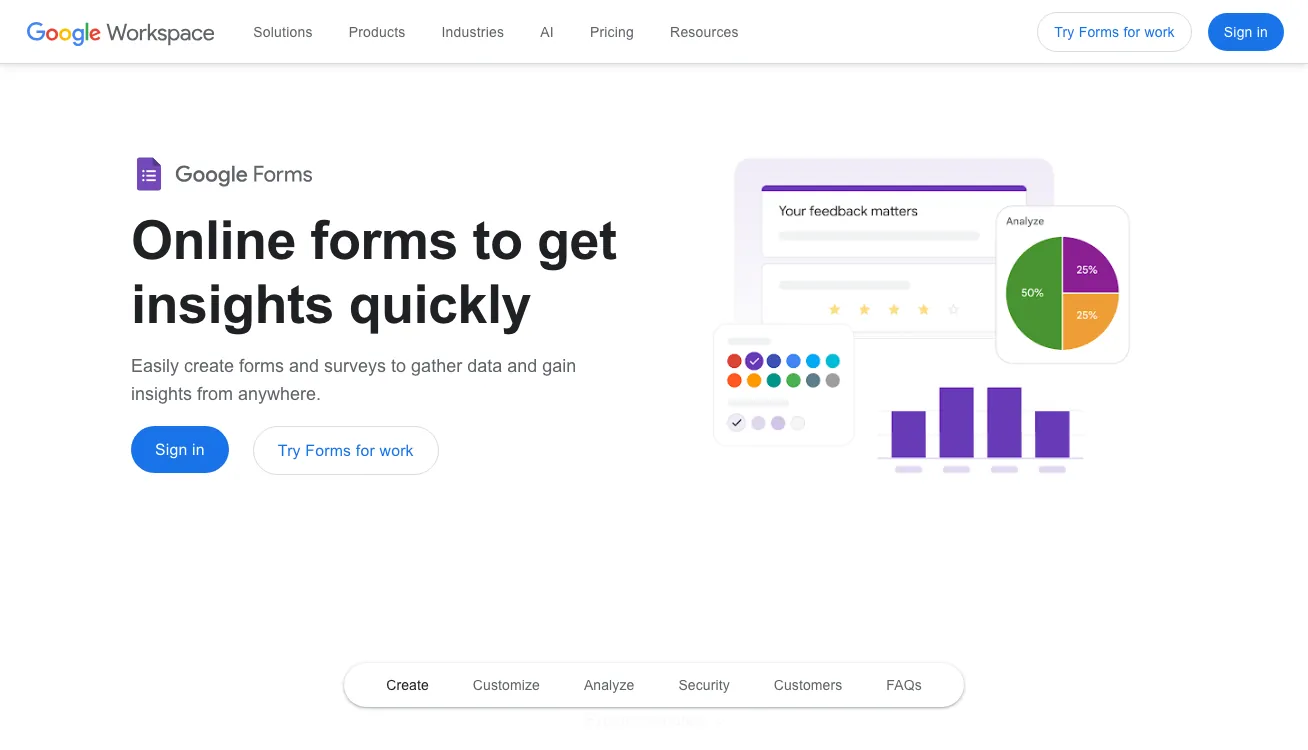
Google Forms is the most permissive free option on this list. With a personal Google account, you get unlimited surveys, unlimited questions, and unlimited responses — forever. There’s no usage cap to stress about and no paywall lurking behind your most-used features.
The builder is simple and fast: add question types, set up conditional branching to show different sections based on answers, and share via a link, embed code, or email. Responses flow directly into Google Sheets, which gives you more analysis flexibility than most native dashboards. If you already live in the Google ecosystem, the zero-friction path to data is genuinely hard to beat.
Where Google Forms falls short is on-site integration. There’s no floating widget for your WordPress site — you’d embed it as an iframe or link visitors out. You also can’t trigger it based on user behavior like exit intent or scroll depth.
For simple standalone surveys and basic website feedback, though, it’s the most obvious free starting point.
3. SurveyMonkey
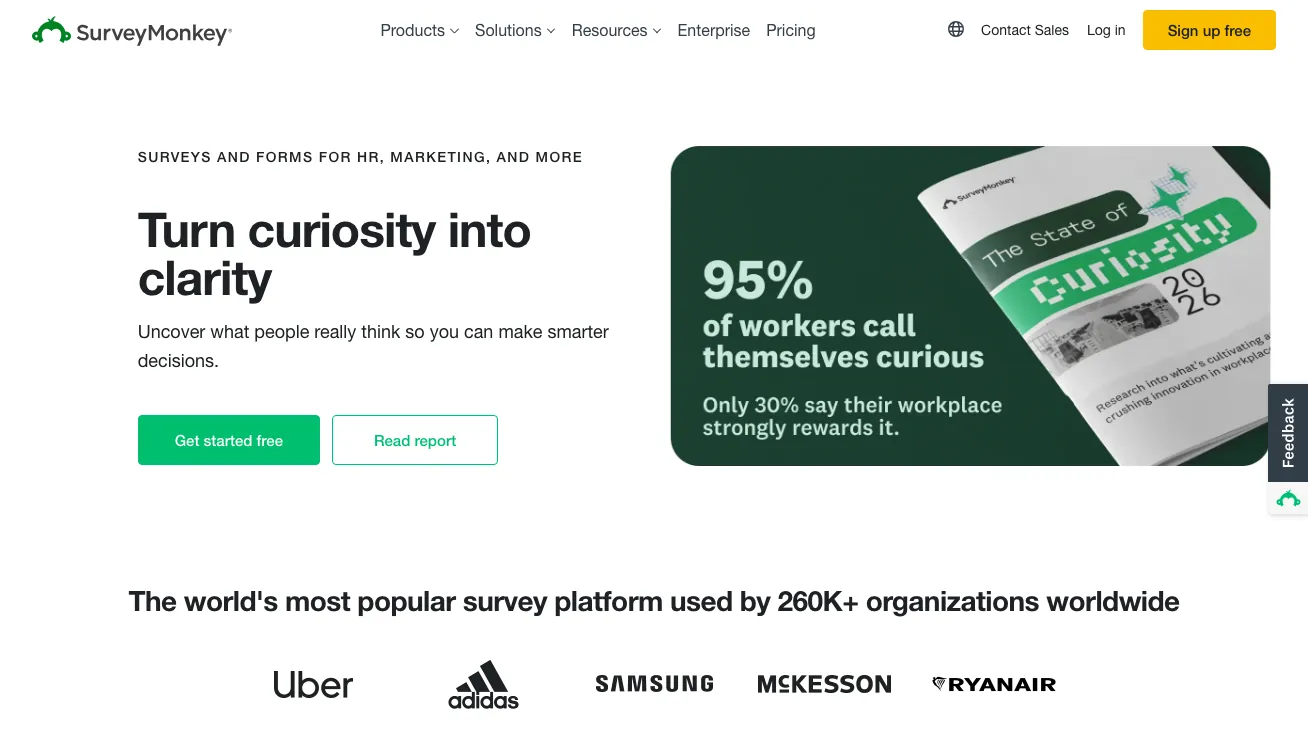
SurveyMonkey is one of the oldest and most recognized names in online surveys. Its biggest draw on the free tier is AI-powered question suggestions — type in your survey topic, and it generates relevant questions, which speeds up the creation process considerably. The 200+ template library covers everything from employee NPS to post-event feedback.
The free plan caps each survey at 10 questions. For a concise customer satisfaction or NPS survey, that’s usually enough — but it becomes a real constraint when you’re building anything more comprehensive.
Response limits also apply, and conditional logic is locked to paid plans. We’ve found that if you need more than the basics, SurveyMonkey’s paid pricing is among the steepest on this list.
Where SurveyMonkey earns its reputation is with external surveys — when you’re distributing a link to customers, event attendees, or research panels. Respondents recognize the brand and are generally comfortable completing the survey.
4. Typeform
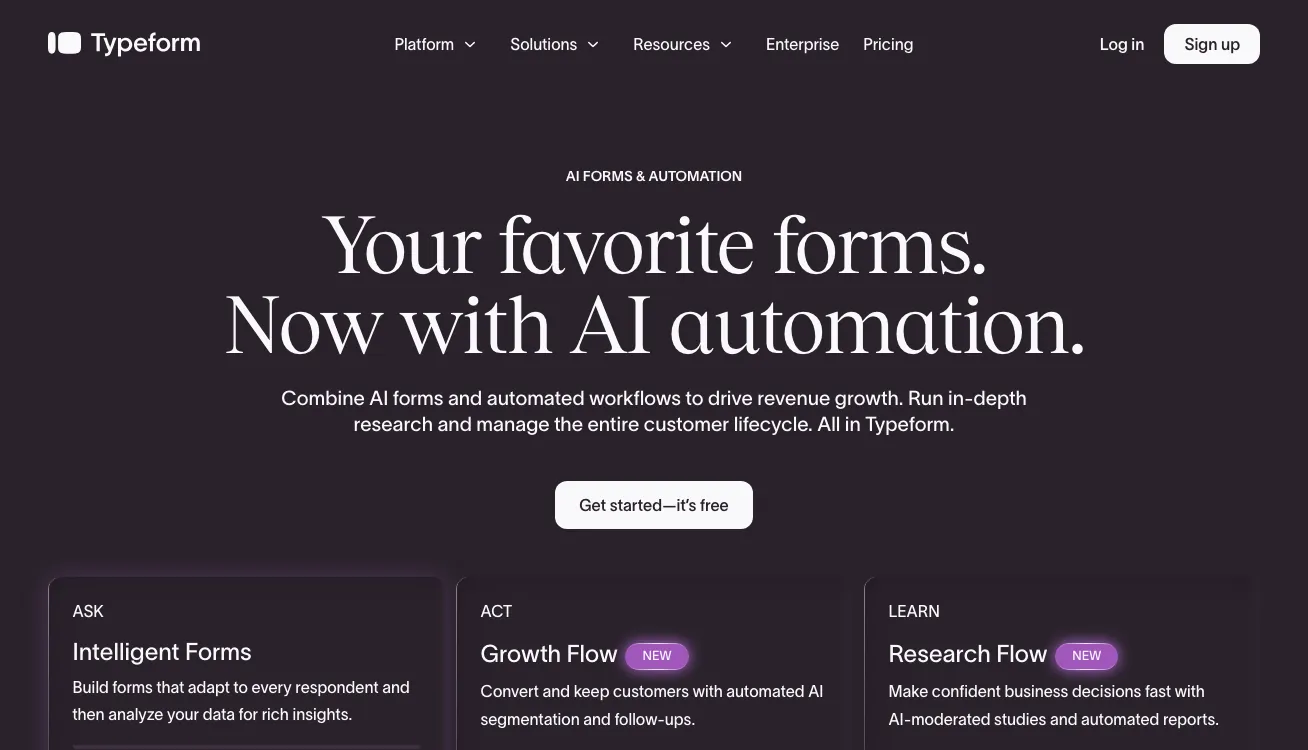
Typeform‘s defining feature is its one-question-at-a-time format. Instead of showing respondents a wall of questions, it presents each question individually — more like a conversation than a form. We’ve found this approach consistently produces higher completion rates, and it’s particularly effective for longer surveys that would otherwise feel overwhelming.
The builder is clean and the templates are well-designed. Logic jumps let you branch the survey flow based on answers, so respondents only see questions relevant to them.
With 70+ integrations — including Google Sheets, Slack, HubSpot, and Notion — routing responses to wherever your team works is straightforward. For a broader look at what drives better results, see our guide to increasing survey response rates.
The free plan’s 10-response-per-month ceiling is the main limitation to plan around. That’s enough to test the format, but not enough for any meaningful ongoing feedback program. Upgrading to the Basic plan ($28/mo) gets you 100 responses/month — still a fairly tight cap for a paid plan.
Watch the Fine Print
Most free survey tools look generous until you check the limits. Response caps, question limits, and locked logic features are the most common gotchas — make sure you understand exactly what the free tier includes before you commit to a platform and build workflows around it.
5. JotForm
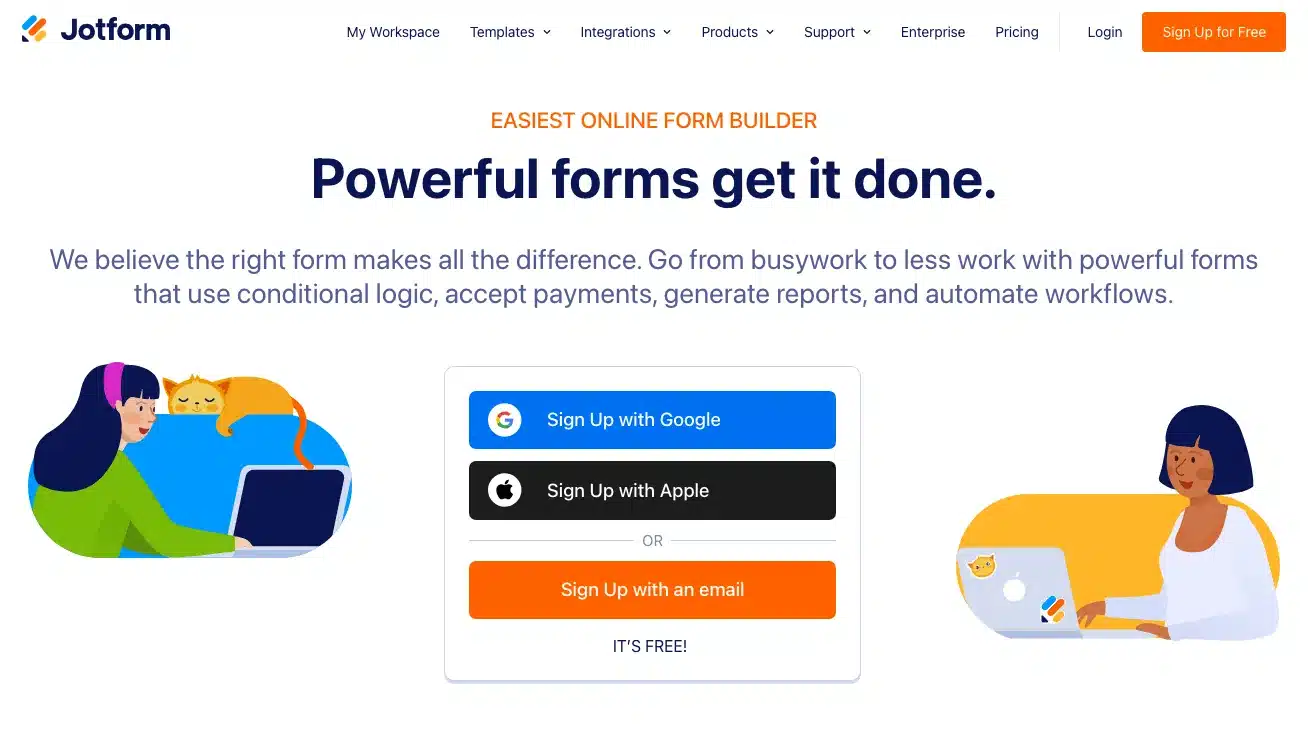
JotForm sits at the intersection of form builder and survey tool. The drag-and-drop interface is fast, and the library of 10,000+ templates covers surveys, intake forms, event registrations, payment collection, and more — which means you’re rarely starting from scratch. One thing we’ve consistently appreciated is that good survey design is easier when you have that many starting points to work from.
What separates JotForm from pure survey tools is the depth of its free plan. Conditional logic is included, as are payment integrations (Stripe, PayPal, Square) and file uploads. If you’re building something more complex than a simple feedback form — an intake form, an event registration, a document-signing workflow — JotForm handles it without requiring a paid upgrade just to access core functionality.
The free plan caps at 5 active forms and 100 monthly responses, and JotForm branding appears on all free forms. For a freelancer or small team running occasional surveys, those limits are usually workable. For higher-volume use, paid plans start at $39/month.
6. SurveySparrow
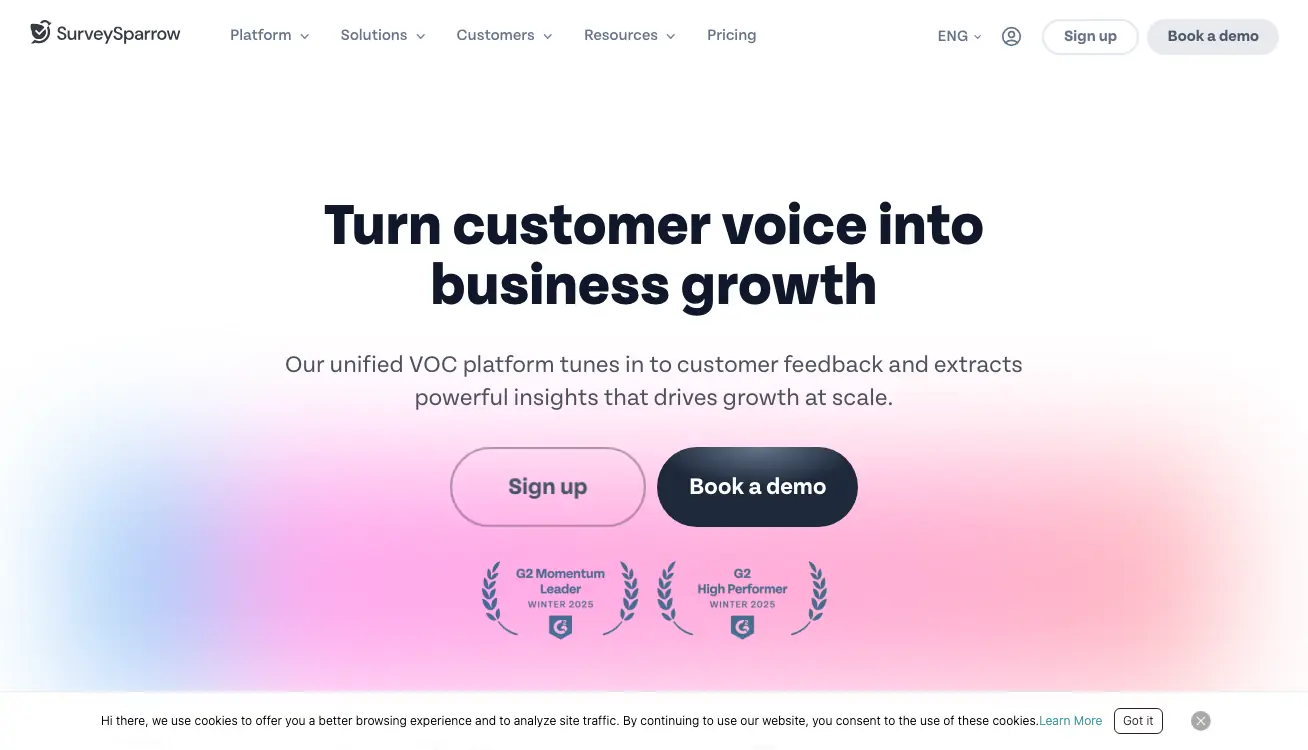
SurveySparrow‘s standout feature is its chat-style survey interface. Instead of a traditional form layout, surveys appear as a back-and-forth conversation — one message at a time, styled like a messaging app. The mobile experience in particular feels natural rather than forced, which makes a real difference in completion rates for phone-based audiences.
The recurring survey feature is another capability we found useful — you can schedule surveys to resend automatically at set intervals, which is ideal for tracking satisfaction over time without manual setup each round. If you’re building a longer-term real-time feedback program, that kind of automation matters.
The free plan is the most restrictive on this list: 3 surveys, 10 questions each, and 75 responses per quarter. That’s barely enough to run a meaningful test, let alone sustain an ongoing program. SurveySparrow is worth considering for a paid plan — the interface earns it — but the free tier functions more as a product demo than a usable tool.
7. HubSpot
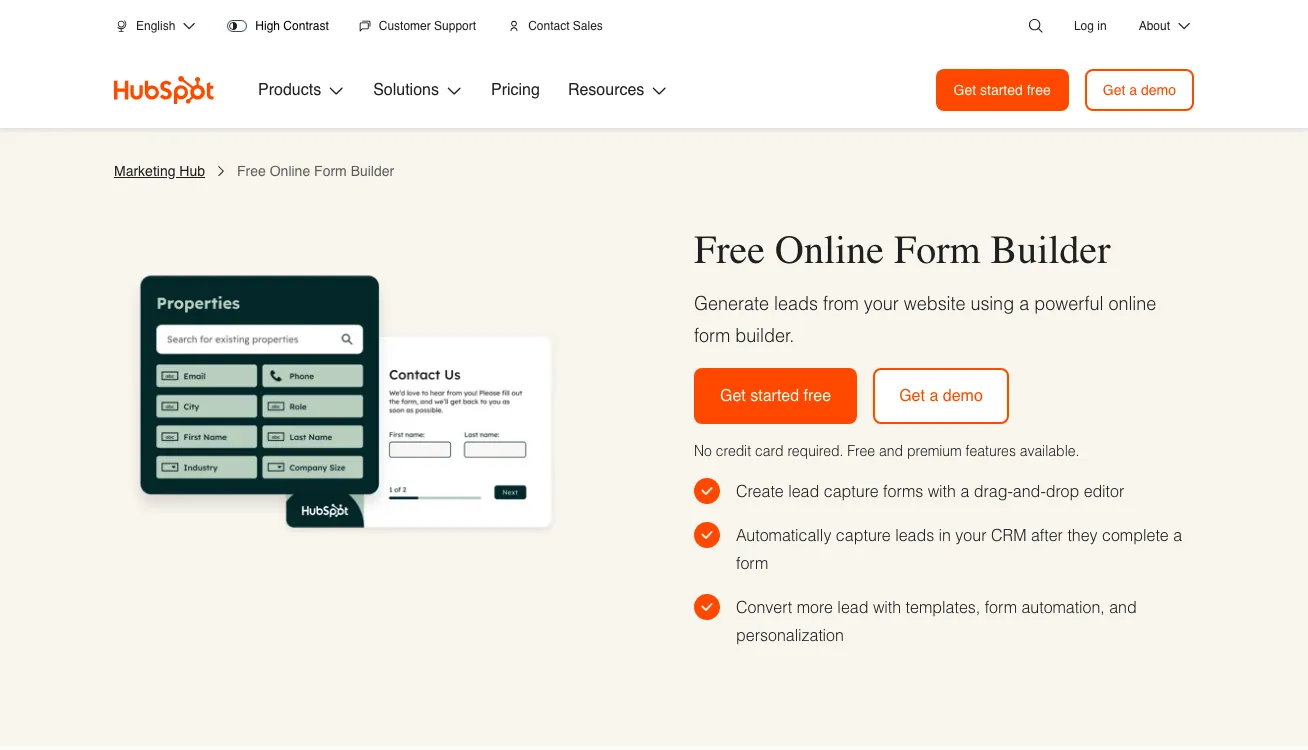
HubSpot‘s survey tool is less a standalone survey creator and more a feedback layer built on top of its CRM. When someone completes a survey, their response is automatically attached to their contact record — which means you can see a customer’s Net Promoter Score (NPS), Customer Satisfaction Score (CSAT), and full interaction history all in one place.
For teams who are serious about collecting customer feedback at scale, that context is very valuable.
Automated follow-up workflows let you trigger emails or internal tasks based on survey responses — for example, flagging a low NPS score to your support team immediately. Pre-built NPS, CSAT, and Customer Effort Score (CES) templates make it fast to set up the most common feedback programs without starting from scratch.
If you’re not already in the HubSpot ecosystem, the onboarding overhead outweighs the survey capabilities. The form builder is more general-purpose than survey-specific — question types are limited compared to dedicated tools, and there are no behavioral triggers or on-site widget options.
The WordPress Advantage
Most tools on this list require your visitors to complete surveys through a separate platform or an embedded iframe. If you run a WordPress site, a native plugin keeps survey data inside your own dashboard, which will make your life way easier.
Which Free Online Survey Creator Is Right for You?
The right choice comes down to your platform, your expected response volume, and what you plan to do with the data. Here’s how we’d approach it based on common situations.
- WordPress site owners — Start with UserFeedback. The free Lite plan gives you unlimited surveys and responses, behavioral triggers, and in-dashboard reporting without leaving WordPress. See our full list of top WordPress survey plugins if you want to compare more options.
- You need truly unlimited and free — Google Forms is the only option with no response or question caps at zero cost. If you’re not on WordPress and just need a reliable survey link to share, it’s the obvious choice.
- You’re already in the HubSpot ecosystem — Use HubSpot‘s built-in survey tools. The CRM integration is the key differentiator and you’re not adding another platform to your stack.
- You want the most visually engaging surveys — Typeform‘s conversational format stands apart from everything else on this list. Plan for a paid upgrade if you expect more than 10 responses a month.
- You need forms beyond surveys — JotForm handles payments, file uploads, and document signing alongside surveys. The 100-response monthly cap is the main constraint to watch.
Ready to start collecting feedback on your WordPress site?
UserFeedback installs in minutes and comes with a free plan that never expires — unlimited surveys, unlimited responses, no credit card required.
FAQs About Free Online Survey Creators
What is the best free online survey creator?
For WordPress sites, UserFeedback is the best option — it’s the only tool on this list that gives you unlimited surveys and responses on a free plan while keeping everything native to your WordPress dashboard. For non-WordPress users who need a completely free tool with no limits, Google Forms is the most capable option at zero cost.
How many responses can I collect with a free survey tool?
It depends heavily on the tool. UserFeedback and Google Forms offer unlimited responses on their free plans. JotForm caps free users at 100 responses per month. SurveyMonkey imposes response limits on the free tier. Typeform allows only 10 responses per month on free. SurveySparrow is the most restrictive, at 75 responses per quarter.
Can I add a survey popup to my WordPress site for free?
Yes — UserFeedback’s free Lite plan lets you add a floating survey widget to any page on your WordPress site. You can trigger it based on exit intent, scroll depth, or time on page, and results appear directly in your WordPress dashboard. No coding or external account is required.
What’s the difference between a survey creator and a form builder?
Survey creators are designed specifically for collecting feedback — they prioritize response analysis, behavioral question logic, and respondent experience. Form builders are more general-purpose and better suited for contact forms, intake forms, or payment collection. Tools like JotForm and HubSpot blur the line between the two, while UserFeedback, SurveyMonkey, Typeform, and SurveySparrow are survey-first.
That’s it! I hope this article helped you find the right free online survey creator for your needs. If you liked this article, check out the following resources:
- Types of Survey Questions
- How to Make a Good Survey
- How to Increase Your Survey Response Rate
- Best Online Survey Maker
- Online Survey Examples
And remember to follow us on X and Facebook to learn more about online surveys, questions, and customer feedback.